

Shopify app
EmergingTip Quik | Tip Pop‑up in Cart
Let your customers add a tip — and make your...
- Rating on Shopify
- 2.7(10)
- Reviews
- 10
- Developer
- Aesymmetric
- Launched
- November 13, 2020
- Pricing
- Free plan available
- Languages
- English
The facts
Every value below is read from the listing or computed by the published formula. Nothing is a verdict.
Bayesian rating
4.38
category median 4.69
Reviews in the last 180 days
1
from the 3 reviews on the listing page
1 and 2 star share
20%
2 of 10
Starting price
$9.99/month
band: Under $10
Pricing plans as listed on Shopify
All charges are billed in USD. Recurring and usage-based charges are billed every 30 days.
| Plan | Price | Billed yearly | Trial | Usage fee | Included |
|---|---|---|---|---|---|
| Free | Free | not offered | none | none stated | Collect tips before checkout; Completely free to use! |
| Premium | $9.99/month | not offered | none | none stated | Custom tip amount option; Hide 'Powered by Tip Quik' text; Premium support to fully customize app; Additional premium options |
Rating distribution
10 ratings on the listing when last refreshed.
- 5 stars8(80%)
- 4 stars0(0%)
- 3 stars0(0%)
- 2 stars0(0%)
- 1 star2(20%)
Latest reviews
The 3 most recent of 3 on-page reviews, quoted to at most 25 words each. Full reviews are on the Shopify listing.
1 starMay 13, 2026Bliss HandmadeUnited States31 minutes using the app
"App errors"
Developer replied. Read on Shopify
5 starsJul 29, 2024Les GlaceursCanada6 days using the app
"Alex was really helpful and the app works perfectly!"
Developer replied. Read on Shopify
5 starsJun 6, 2024Handmade by Friendship Bridge®United States15 days using the app
"This is a great addition for our store. The support was amazing! We needed to fix some things in the app, and Alex was super ..."
Developer replied. Read on Shopify
Screenshots
5 of 5 listing screenshots, composed as review cards. Captions are the developer's own.
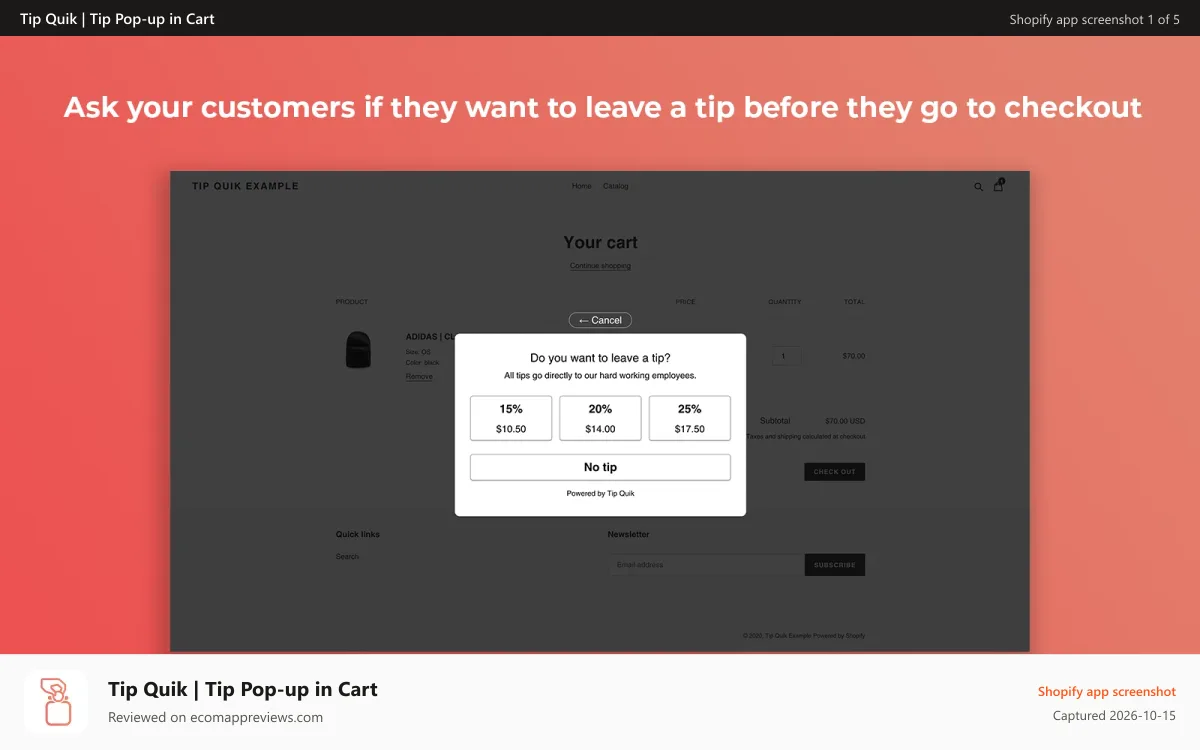
1 of 5: Tip modal on site 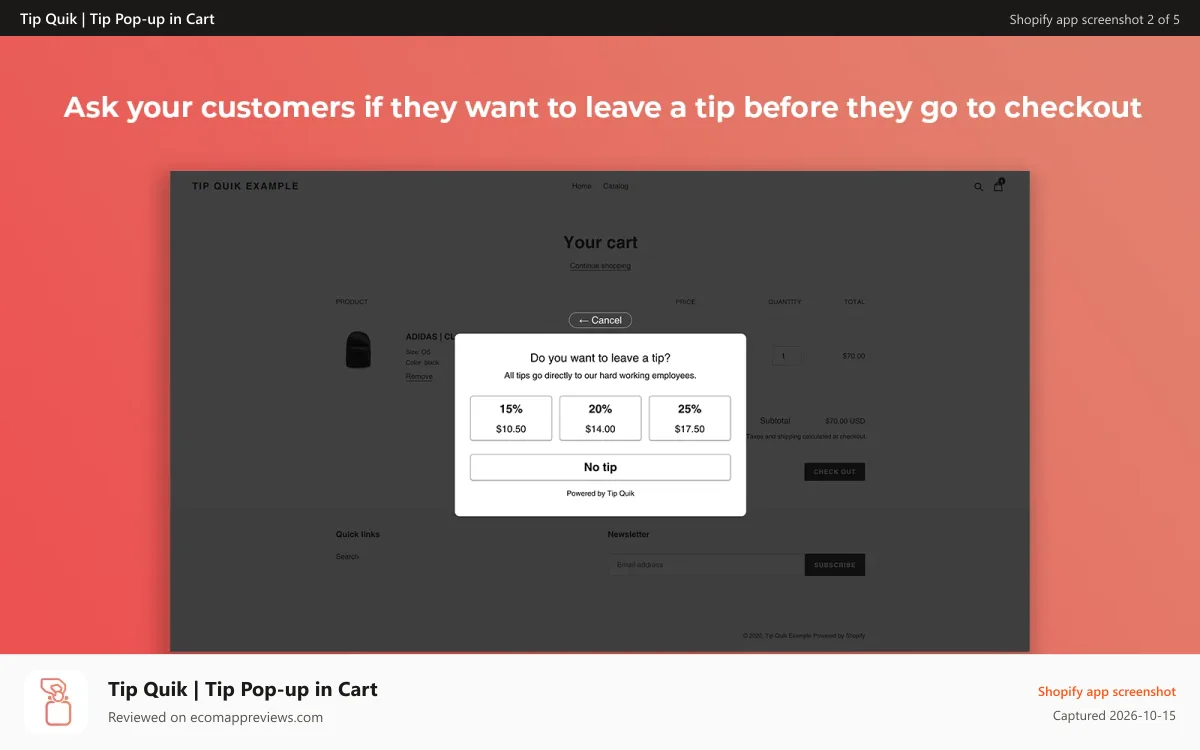
2 of 5: Tip modal on site 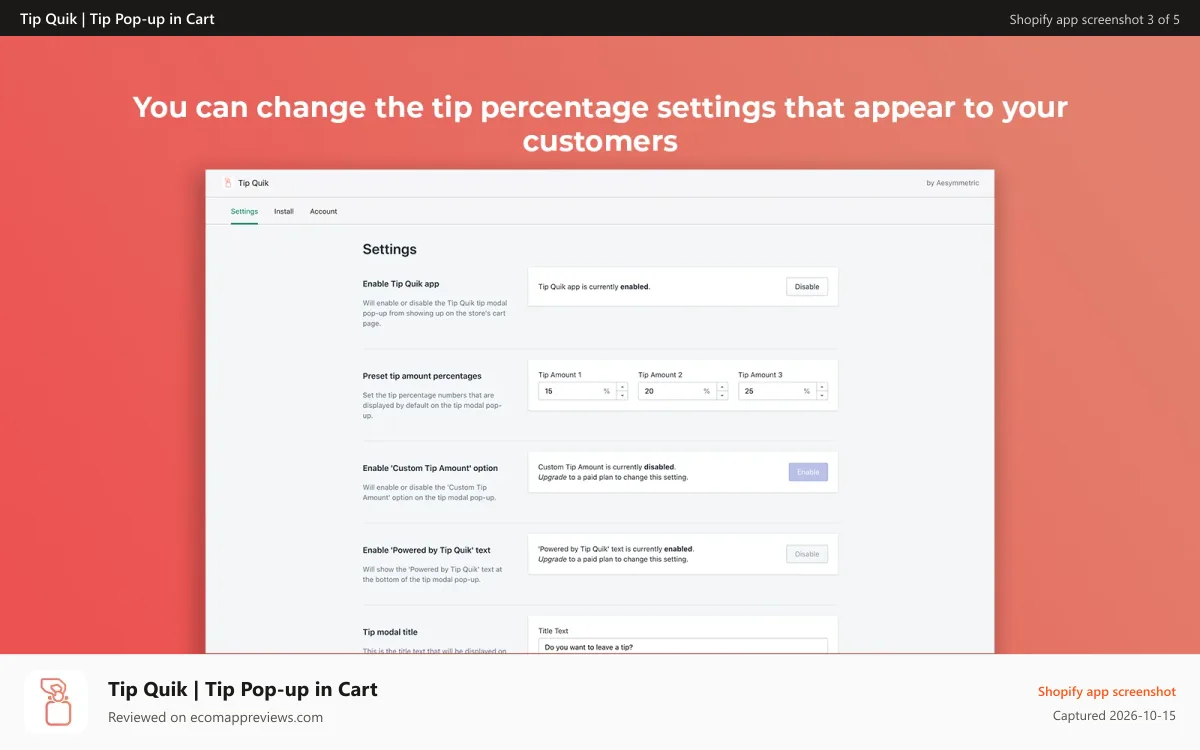
3 of 5: Tip Quik app percentage settings 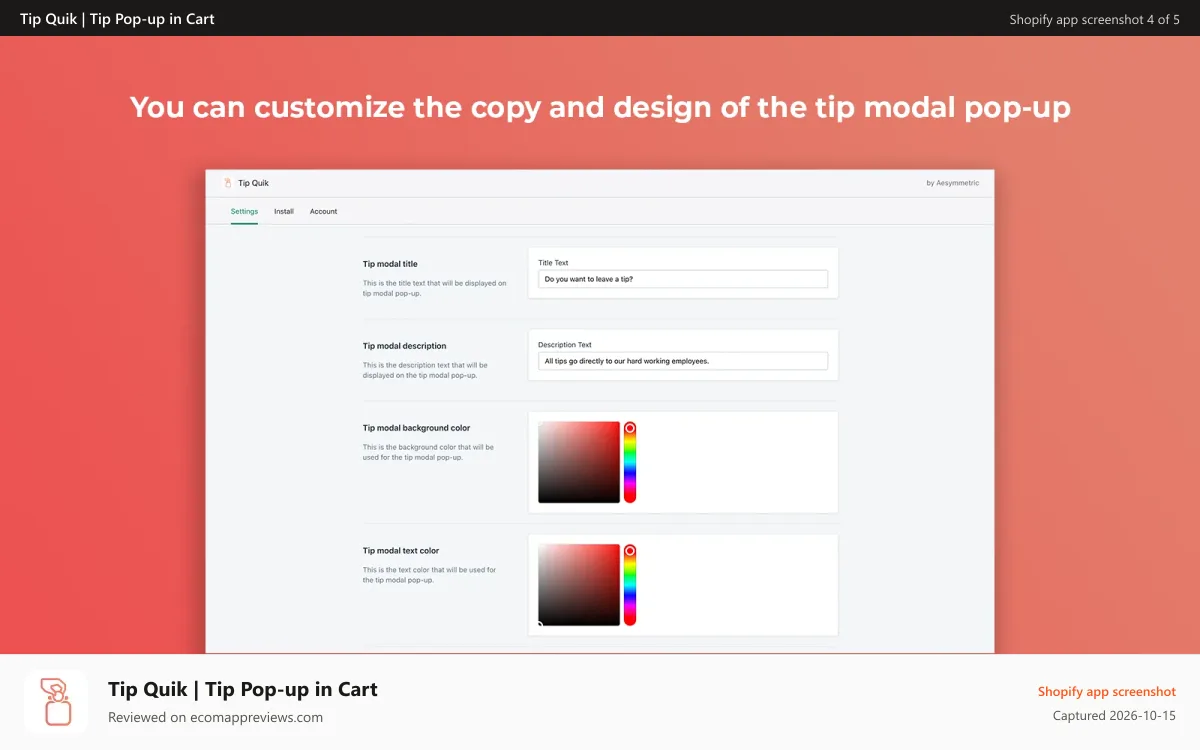
4 of 5: Tip Quik app tip modal design settings 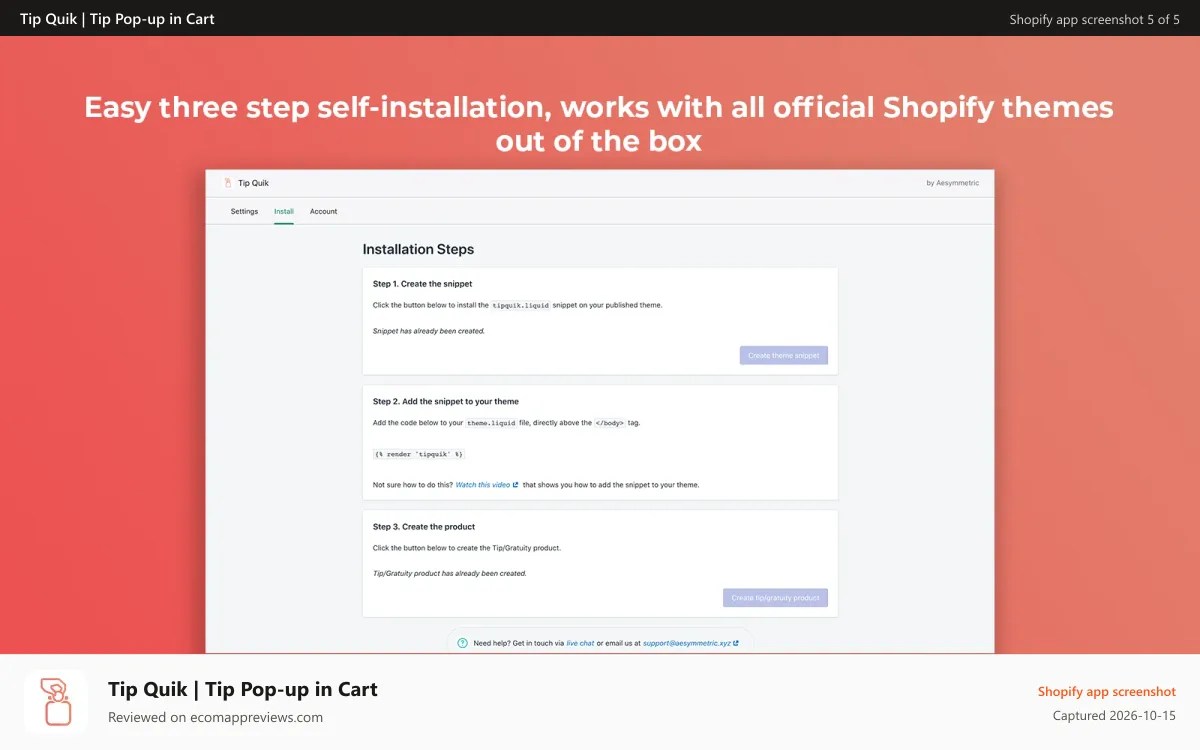
5 of 5: Tip Quik app installation steps
Features Shopify lists for this app
Feature handles from the listing, grouped as Shopify groups them.
Cart display
- Custom styles
- Custom HTML
- Mobile responsive
Customization
- Cart upsell
- Pop-ups
Data access
As disclosed on the listing. Never scored.
Not disclosed on the listing.
Developer
Aesymmetric
- Apps in the dataset:
- 2
- Address:
- 21 Rockledge Drive, Avon, CT, 06001, US
- Website:
- aesymmetric.xyz
- Support email domain:
- aesymmetric.xyz
- English support:
- yes
- Resources:
- Privacy policy, demo store
Similar apps
Shopify's own similar-apps list first, then apps in the same category that share the most feature handles.
Kaching CartDrawer Cart Upsell
5.0(1,525) · listed as similar by Shopify
Essent Cart Drawer Cart Upsell
5.0(1,099) · listed as similar by Shopify
Essential Upsell & Cross Sell
5.0(2,427) · listed as similar by Shopify
MF Tip – Boost revenue by tip
5.0(1) · shares 43% of feature handles
Cart Button Animator Ultimate
5.0(3) · shares 40% of feature handles
Buy Button: Sticky Add To Cart
4.2(49) · shares 33% of feature handles
From the Shopify listingDeveloper claims, shown verbatim and collapsed. 96 words.Show
- Before checkout, the customer will be shown a tip pop-up.
- Tip percentages can be customized or be a flat dollar amount.
- All content on the tip pop-up and the design of it can be customized.
Tip Quik gives your customers the option to add a tip to their order before they reach checkout.
On the cart page and slide-out cart, a pop-up will appear when the checkout or Shop Pay button is clicked. The pop-up will ask the customer if they wish to leave a tip before it brings them to the checkout page.
This is a great way to collect tips for your employees and help give everyone a boost. Help out your delivery driver, packaging department, or front of house.
Tested and working on all official free Shopify themes.
Questions and comments
Questions people ask about Tip Quik | Tip Pop‑up in Cart, answered from what this page shows. Entries marked Site editor are written by the EcomAppReviews editor. Reader comments appear after a person has read and approved them, usually within a day. E-mail addresses are never published.
Last updated Oct 14, 2026. Ratings and review counts are the values shown on each app's public listing. How the numbers are computed: methodology.
10 reviews counted on the listing. Rating and count in the structured data are the values Shopify displayed when the listing was last refreshed.