

Shopify app
EmergingTRANH ‑ Social Media Share bar
Add sharing buttons to any page, product,.. from 30+ platforms
- Rating on Shopify
- 4.8(7)
- Reviews
- 7
- Developer
- TRANH
- Launched
- January 26, 2023
- Pricing
- Free plan available
- Languages
- English
The facts
Every value below is read from the listing or computed by the published formula. Nothing is a verdict.
Bayesian rating
4.64
category median 4.61
Reviews in the last 180 days
0
from the 3 reviews on the listing page
1 and 2 star share
0%
0 of 7
Starting price
$0.99/month
band: Under $10
Pricing plans as listed on Shopify
All charges are billed in USD. Recurring and usage-based charges are billed every 30 days.
| Plan | Price | Billed yearly | Trial | Usage fee | Included |
|---|---|---|---|---|---|
| Free | Free | not offered | none | none stated | Adding icons; Up to 30 platforms supported; Drag/drop anywhere; No uninstallation leftover; Free forever, no Ads, no watermarks, etc. |
| Advanced | $0.99/month | not offered | none | none stated | Instagram, Plus Button; Floating Icons; Icon corner Radius (rounded icons), Padding; Color for Icons (one color for all icons); Custom CSS |
Rating distribution
7 ratings on the listing when last refreshed.
- 5 stars5(71%)
- 4 stars1(14%)
- 3 stars1(14%)
- 2 stars0(0%)
- 1 star0(0%)
Latest reviews
The 3 most recent of 3 on-page reviews, quoted to at most 25 words each. Full reviews are on the Shopify listing.
5 starsAug 1, 2025WoodArtSupplyUnited StatesAbout 1 year using the app
"Exactly want i want, simple share buttons and not just links to a profile."
5 starsJul 21, 2025AJILIYAAIndia3 months using the app
"This app is amazing!"
4 starsDec 29, 2023Oriental AestheticsHong Kong SAR4 months using the app
"I have subscribed to a paid subscription and need to customize the collection into the page produced by Page Fly, but no staff responded to ..."
Screenshots
4 of 4 listing screenshots, composed as review cards. Captions are the developer's own.
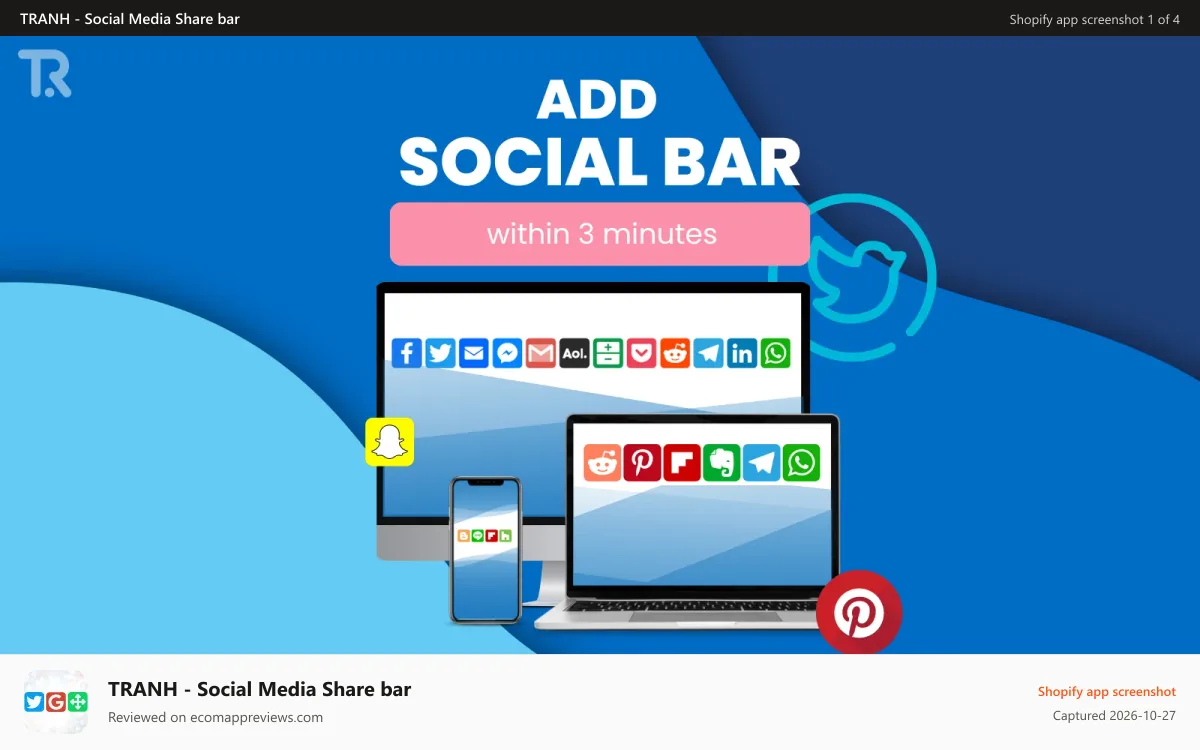
1 of 4: Add Social sharing widget within 3 minutes using Add To Any 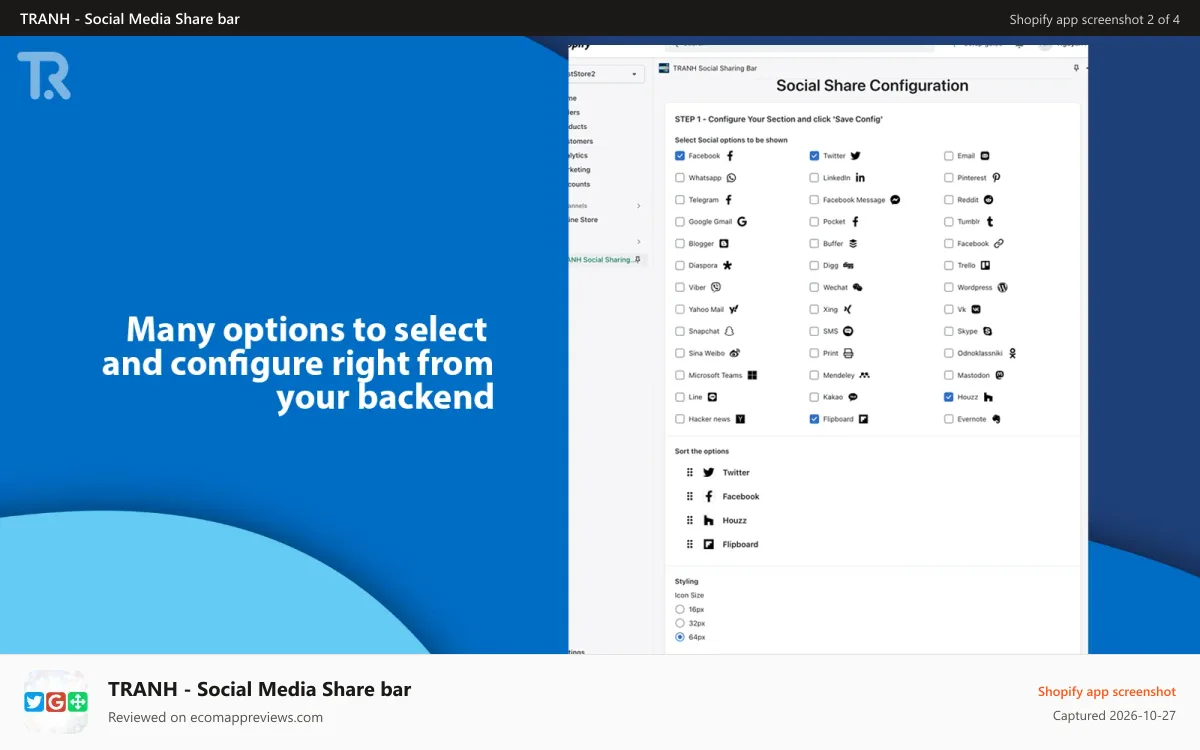
2 of 4: Edit Configuration Right on your admin 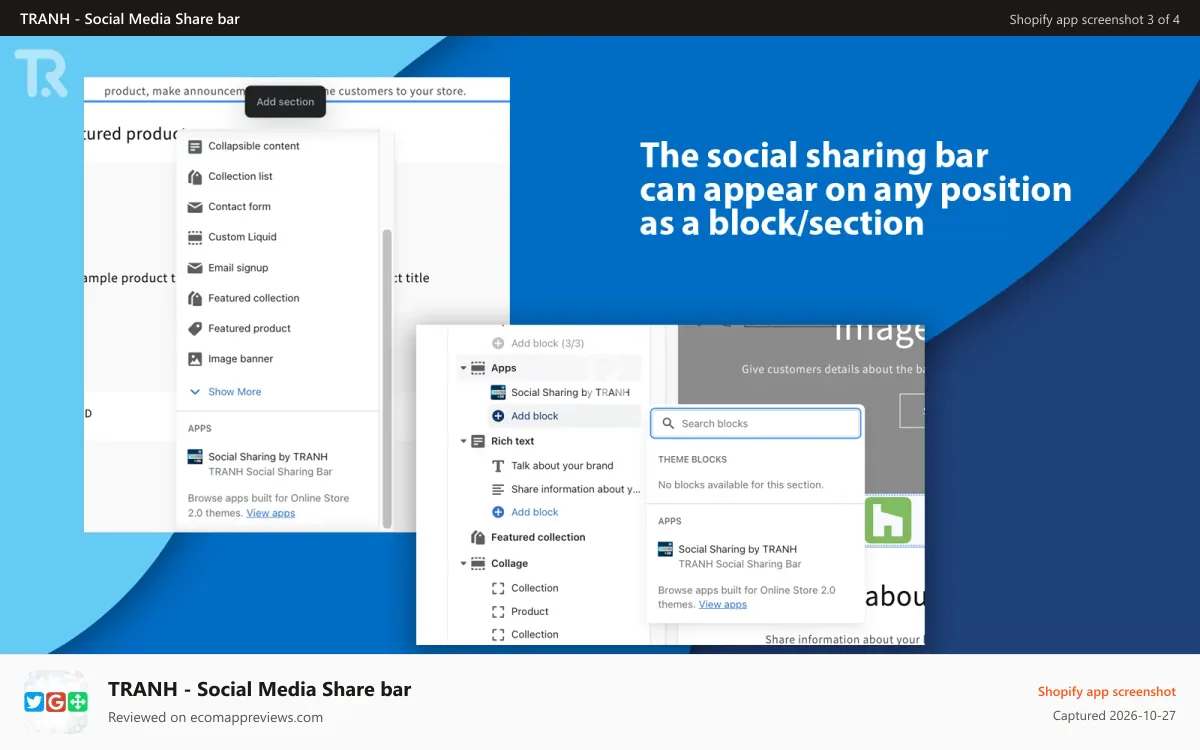
3 of 4: Add and drag option anywhere on theme editor 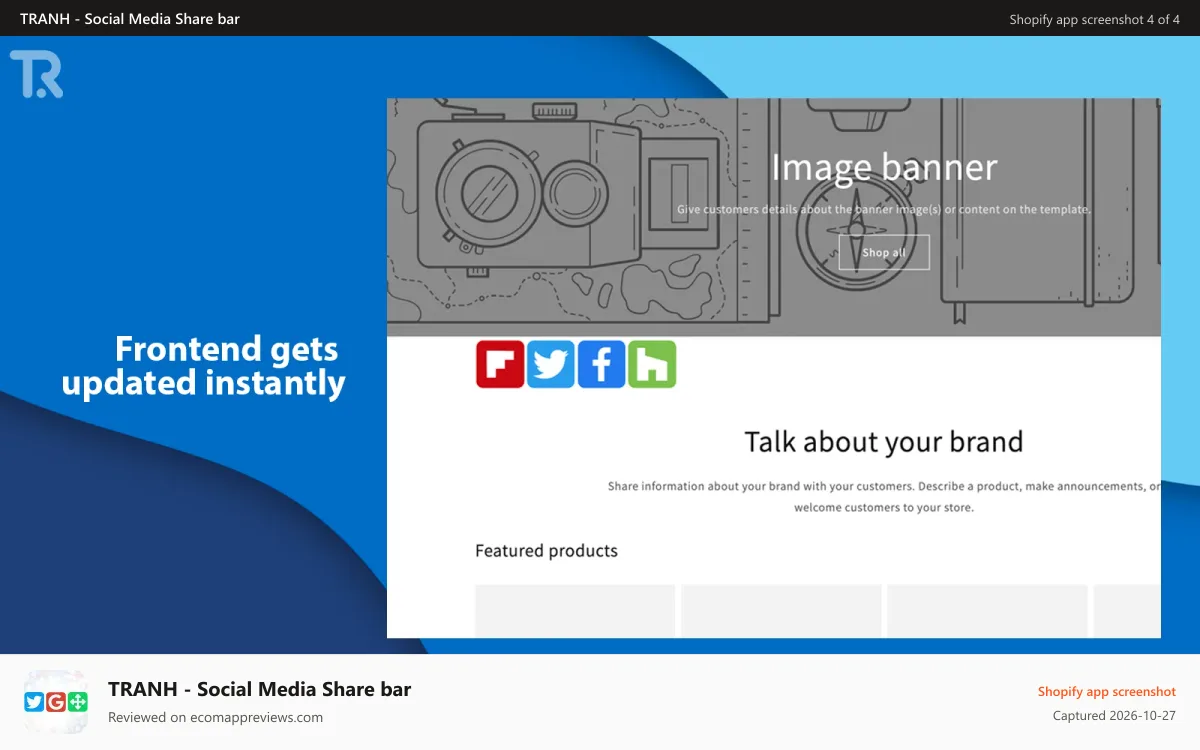
4 of 4: Appear on your theme and no leftover after uninstallation
Data access
As disclosed on the listing. Never scored.
Not disclosed on the listing.
Developer
TRANH
- Apps in the dataset:
- 1
- Address:
- Tanmai, Hanoi, 10000, VN
- Website:
- not stated
- Support email domain:
- tranh.app
- English support:
- yes
- Resources:
- Privacy policy, demo store
Similar apps
Shopify's own similar-apps list first, then apps in the same category that share the most feature handles.
From the Shopify listingDeveloper claims, shown verbatim and collapsed. 96 words.Show
- Add sharing bar by Add To Any, your customers can share your store with friends
- Pick from over 30 platforms: Facebook, Twitter, WhatsApp, Snapchat, LinkedIn,...
- Using AddToAny widget with SMS and email, and you can sort and style the icons.
- Place it anywhere on your store from landing to product/collection/blog... pages
- Floating, color, border, custom CSS options for social sharing icons widget
Custom and drag social share blocks to landing, collection, product and other pages within 3 minutes
This app helps you to add a social sharing bar to your store with over 30 options to choose from: Email, SMS, Facebook, Twitter, WhatsApp, LinkedIn, Pinterest, Telegram, Reddit, Pocket, Tumblr, Diaspora, Digg, Trello, Viber, WeChat, Snapchat, Line, Kakao, Instagram, Flipboard, Evernote, Skype,... TRANH makes it easier and faster to create a social bar as a theme block or section and drag/drop it to any place on your store using a theme app extension, which means no leftover after uninstallation.
Questions and comments
Questions people ask about TRANH ‑ Social Media Share bar, answered from what this page shows. Entries marked Site editor are written by the EcomAppReviews editor. Reader comments appear after a person has read and approved them, usually within a day. E-mail addresses are never published.
Last updated Oct 21, 2026. Ratings and review counts are the values shown on each app's public listing. How the numbers are computed: methodology.
7 reviews counted on the listing. Rating and count in the structured data are the values Shopify displayed when the listing was last refreshed.