

Shopify app
EmergingDiffMate ‑ Asset Compare Tool
Stop losing theme changes on publish by comparing first
- Rating on Shopify
- 4.3(14)
- Reviews
- 14
- Developer
- 84Labs
- Launched
- December 6, 2023
- Pricing
- Free
- Languages
- English
The facts
Every value below is read from the listing or computed by the published formula. Nothing is a verdict.
Bayesian rating
4.47
category median 4.55
Reviews in the last 180 days
0
from the 3 reviews on the listing page
1 and 2 star share
7%
1 of 14
Starting price
Free plan
band: Free
Rating distribution
14 ratings on the listing when last refreshed.
- 5 stars13(93%)
- 4 stars0(0%)
- 3 stars0(0%)
- 2 stars1(7%)
- 1 star0(0%)
Latest reviews
The 3 most recent of 3 on-page reviews, quoted to at most 25 words each. Full reviews are on the Shopify listing.
2 starsDec 12, 2025Wired4Signs USAUnited StatesAbout 1 hour using the app
"It does let you get an overview of what files have changed, but the diffing algorithm is very poor. If a block of code changes ..."
5 starsFeb 10, 2025Long Reef Surf CoAustralia6 months using the app
"Game changer! This tool saves me so much time when upgrading themes. Shopify theme upgrades are a nightmare and this tool makes it so much ..."
5 starsDec 18, 2024MonsterologistUnited States35 minutes using the app
"This is a mind-bogglingly awesome tool for anyone who customizes their themes. The fact that Shopify codes their themes so that customizations break automatic upgrading ..."
Screenshots
5 of 5 listing screenshots, composed as review cards. Captions are the developer's own.
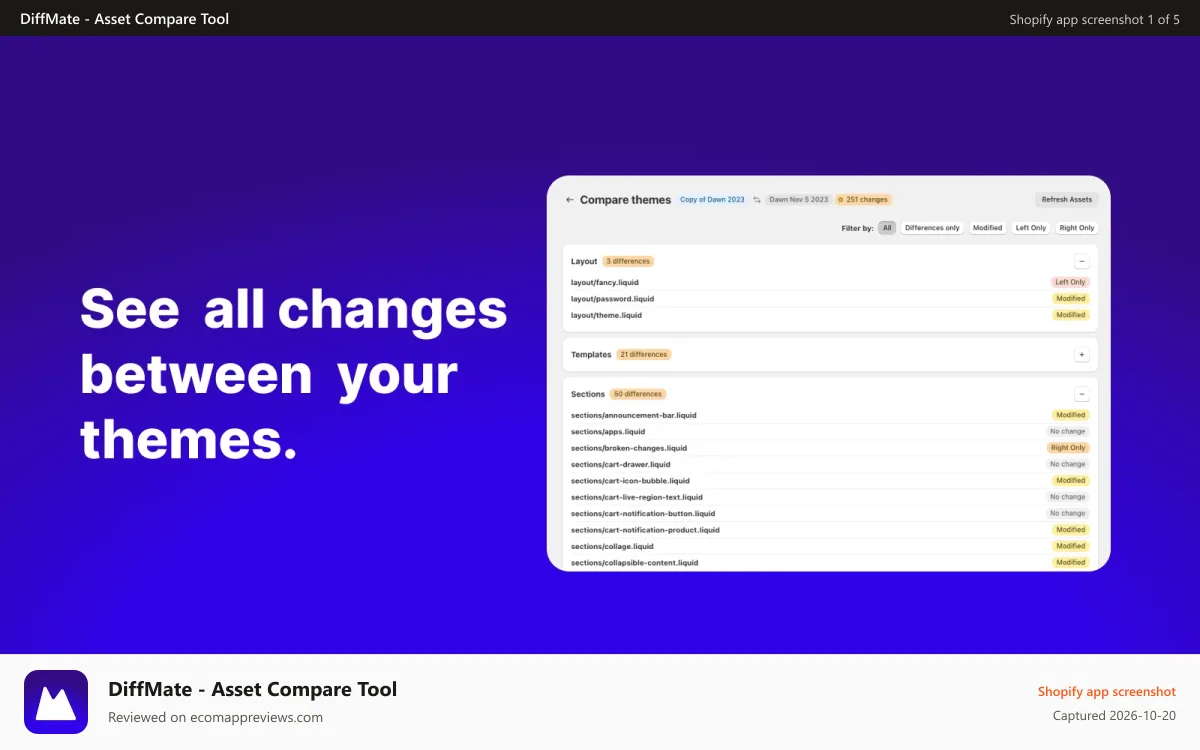
1 of 5: Showing which assets have changed between two selected themes. 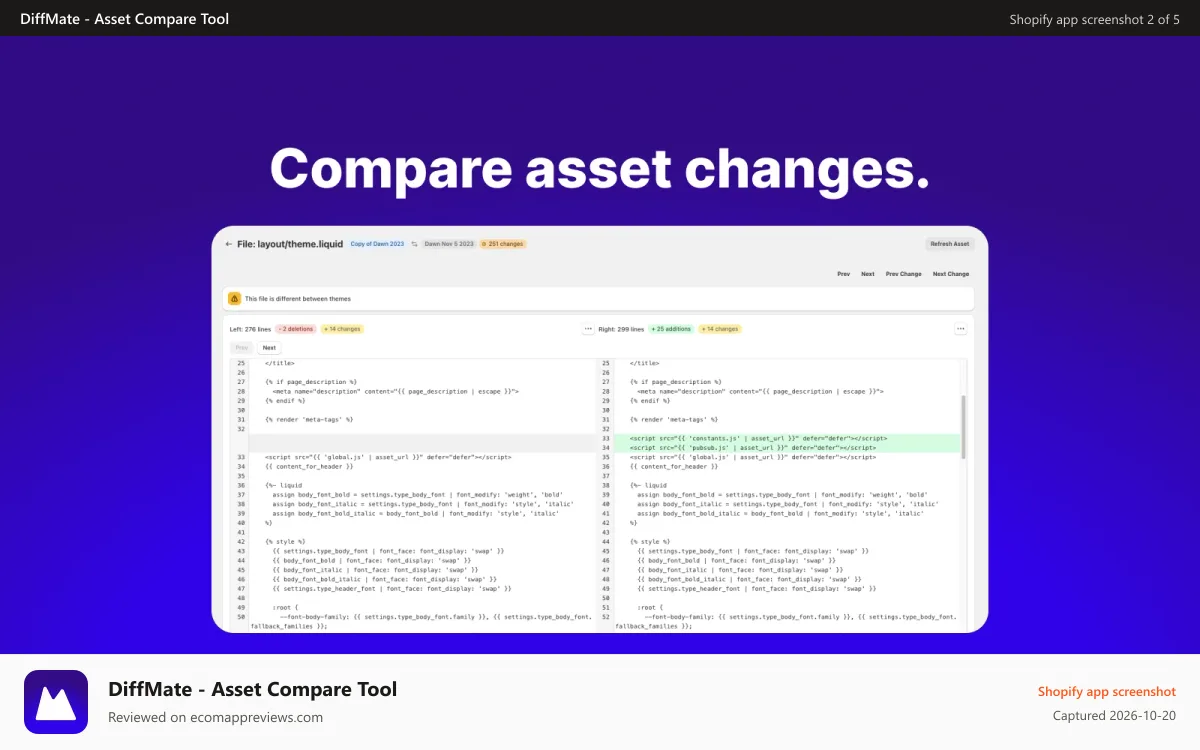
2 of 5: Showing the text differences between two versions of an asset 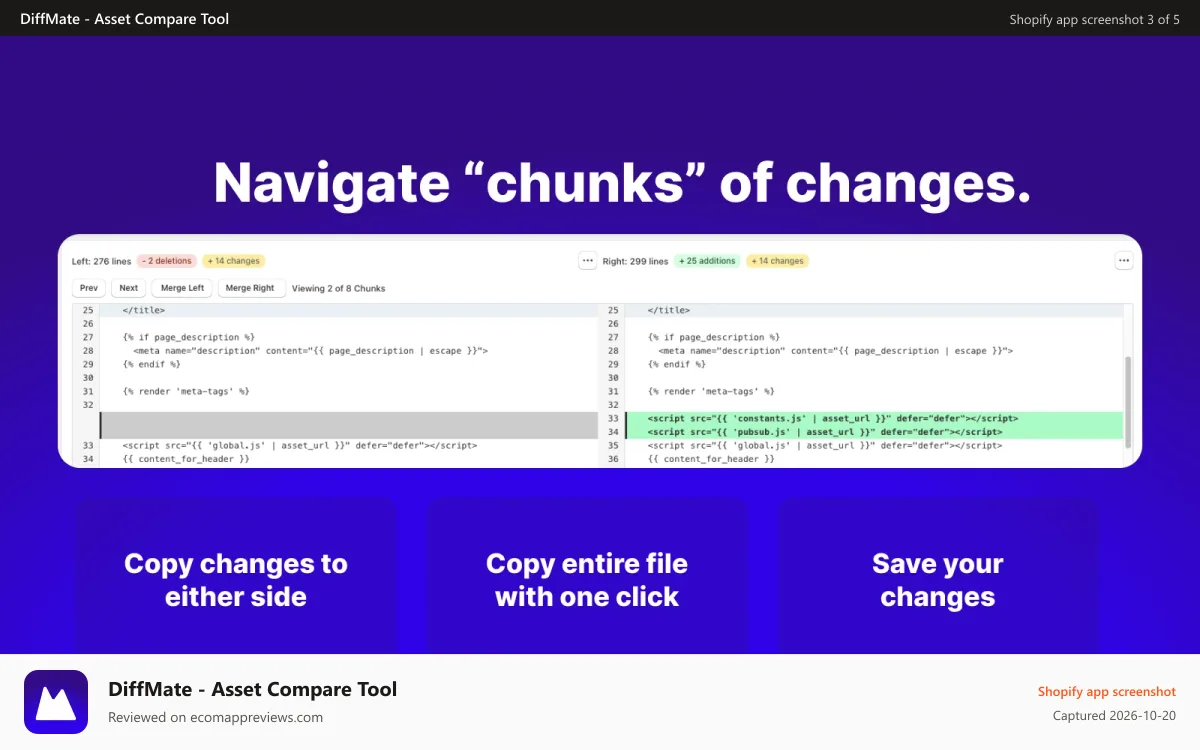
3 of 5: Navigate chunks of changes for an asset and copy over to theme 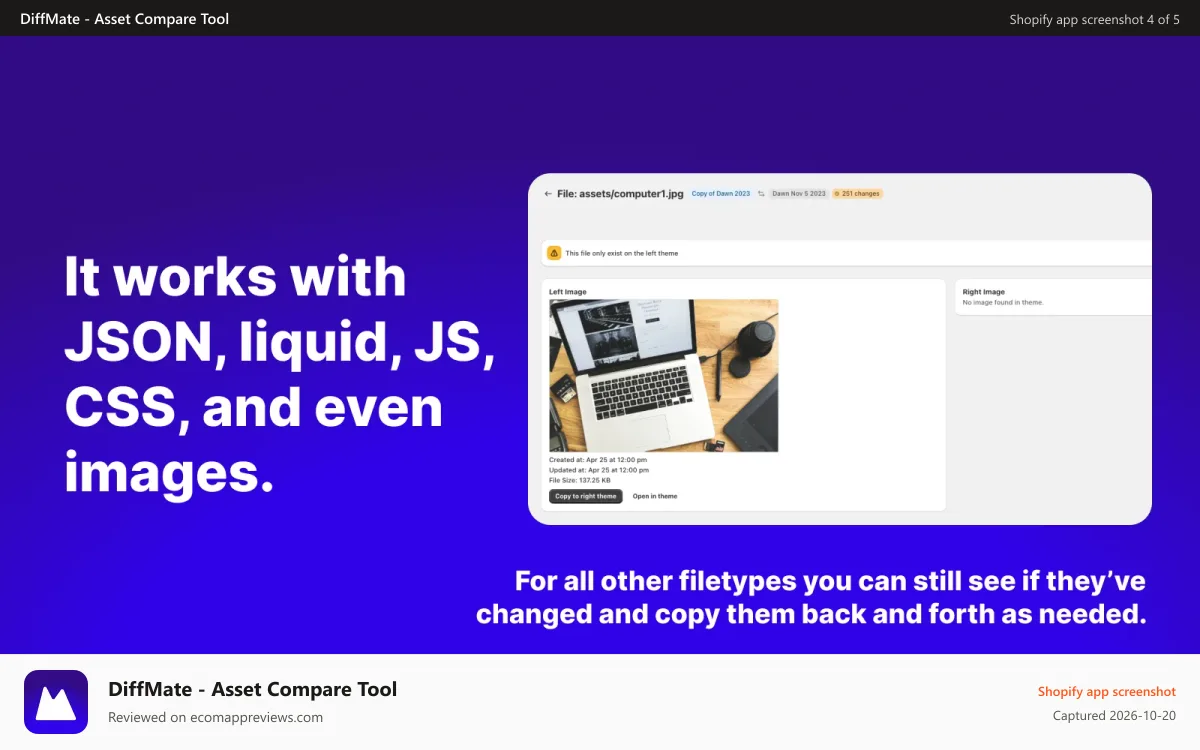
4 of 5: Images being compared to show it works with more than just text 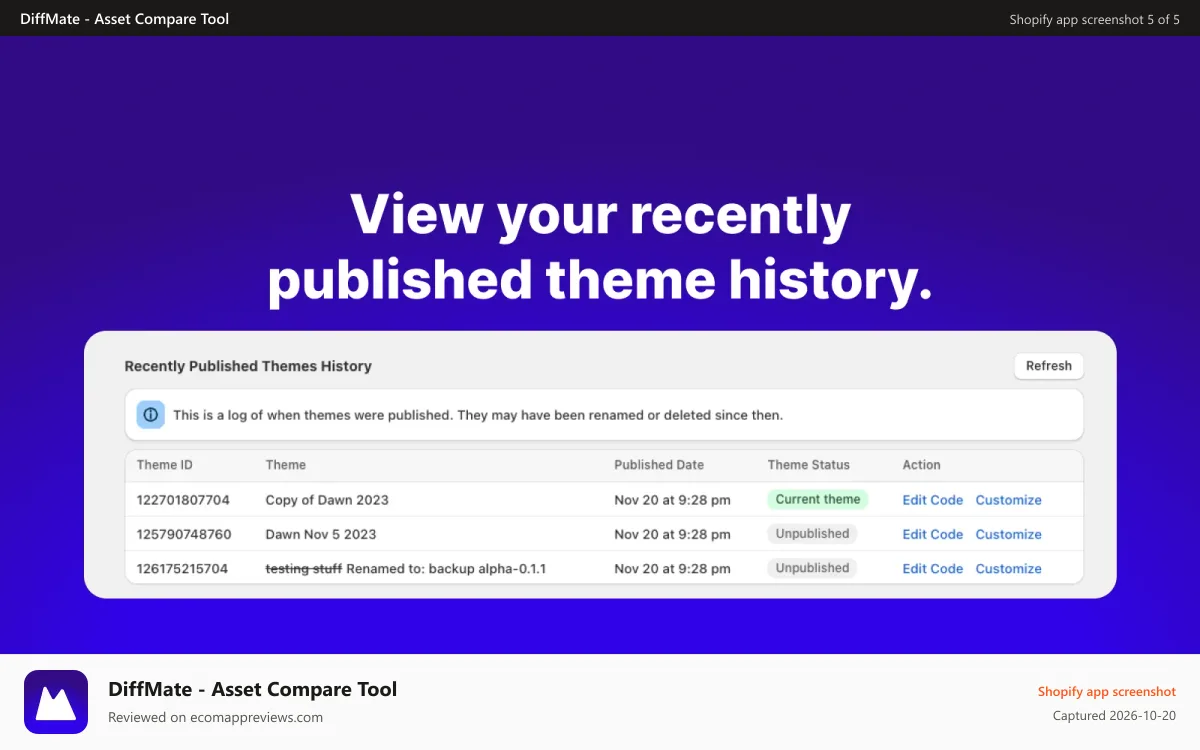
5 of 5: A log of the most recently published themes on your store
Works with
Third-party integrations link to their hub when 5 or more apps name them. Shopify's own surfaces are listed separately and never counted as integrations.
Shopify surfaces: Shopify Admin
Data access
As disclosed on the listing. Never scored.
Not disclosed on the listing.
Developer
84Labs
- Apps in the dataset:
- 1
- Address:
- 1611-720 Spadina Ave, Toronto, ON, M5S2T9, CA
- Website:
- www.84labs.com
- Support email domain:
- 84labs.com
- English support:
- yes
- Resources:
- Privacy policy
Similar apps
Shopify's own similar-apps list first, then apps in the same category that share the most feature handles.
From the Shopify listingDeveloper claims, shown verbatim and collapsed. 94 words.Show
- See all your themes including hidden developer themes created by developer tools
- Easily generate an overview of all the asset changes between themes
- Compare assets line-by-line to see any differences using our diff-editor
- Using the diff-editor you can copy files or specific changes between themes
- See the history of when themes were published on you store
Compare different versions of your theme to easily view or update any changes before you publish.
DiffMate is a convenient way to see the asset differences between different versions of your theme. Filter to see only assets that have changed, all assets, or if they exists on one but not both. Our diff-editor allows you to copy specific changes (or entire files) from one theme to another. Whenever you deploy a new version of your store DiffMate reduces the stress of losing edits or forgetting template assets not copied over and much, much more.
Questions and comments
Questions people ask about DiffMate ‑ Asset Compare Tool, answered from what this page shows. Entries marked Site editor are written by the EcomAppReviews editor. Reader comments appear after a person has read and approved them, usually within a day. E-mail addresses are never published.
Last updated Oct 19, 2026. Ratings and review counts are the values shown on each app's public listing. How the numbers are computed: methodology.
14 reviews counted on the listing. Rating and count in the structured data are the values Shopify displayed when the listing was last refreshed.