

Shopify app
EstablishedSmartBN: Banner Slider
Customize, and display stunning image/video sliders on store
- Rating on Shopify
- 3.2(50)
- Reviews
- 50
- Developer
- Smartify Apps
- Launched
- October 21, 2014
- Pricing
- Free
- Languages
- English
The facts
Every value below is read from the listing or computed by the published formula. Nothing is a verdict.
Bayesian rating
3.85
category median 4.56
Reviews in the last 180 days
2
from the 3 reviews on the listing page
1 and 2 star share
16%
8 of 50
Starting price
Free plan
band: Free
Rating distribution
50 ratings on the listing when last refreshed.
- 5 stars39(78%)
- 4 stars2(4%)
- 3 stars1(2%)
- 2 stars1(2%)
- 1 star7(14%)
Latest reviews
The 3 most recent of 3 on-page reviews, quoted to at most 25 words each. Full reviews are on the Shopify listing.
1 starAug 15, 2026Herb AeternaUnited StatesOver 1 year using the app
"Is app still in service? I am not able to add image and slider is not displaying"
1 starJun 12, 2026REMO Since 1988AustraliaOver 3 years using the app
"I could not be happier with the level of service that I received from the Smartify/Secomapp team. Steve Nguyen was especially responsive and patient. We ..."
5 starsJul 30, 2023minimushroomfarms.comCanadaAbout 1 hour using the app
"After hours of looking for a simple image carousel that does not cost an arm I came across this app and I was saved. might ..."
Screenshots
5 of 7 listing screenshots, composed as review cards. Captions are the developer's own.
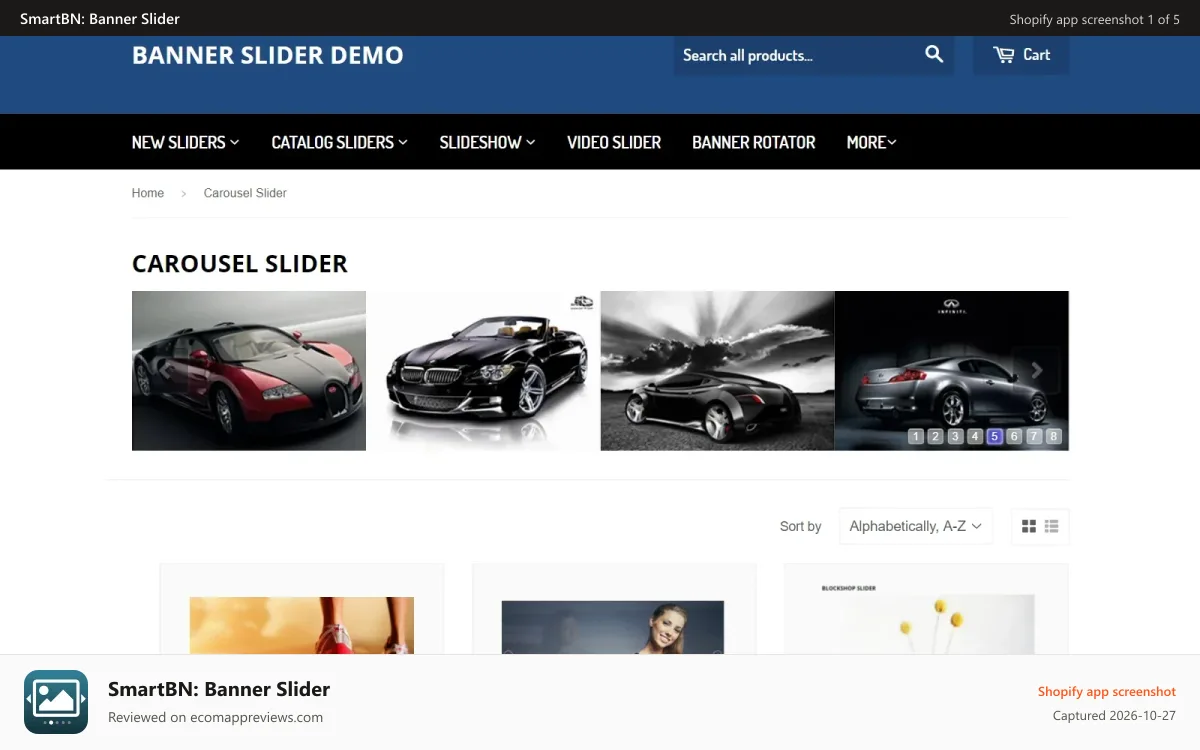
1 of 5: Demo banner slider 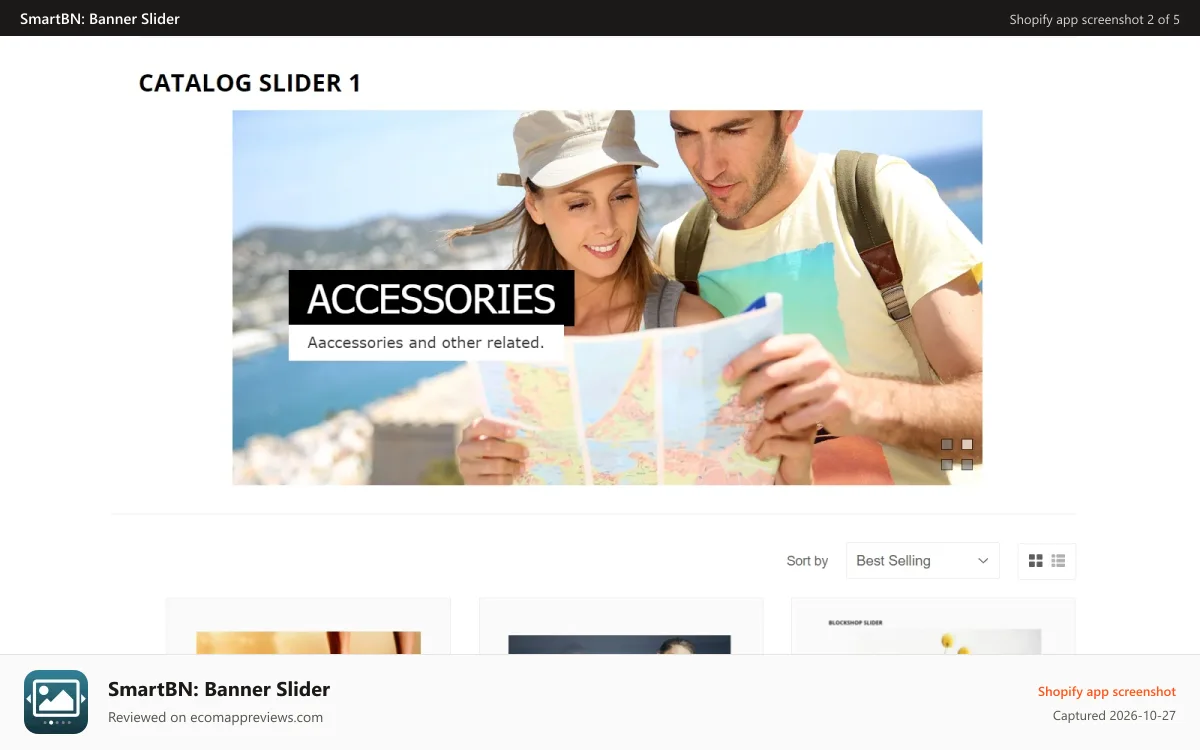
2 of 5: catalog slider 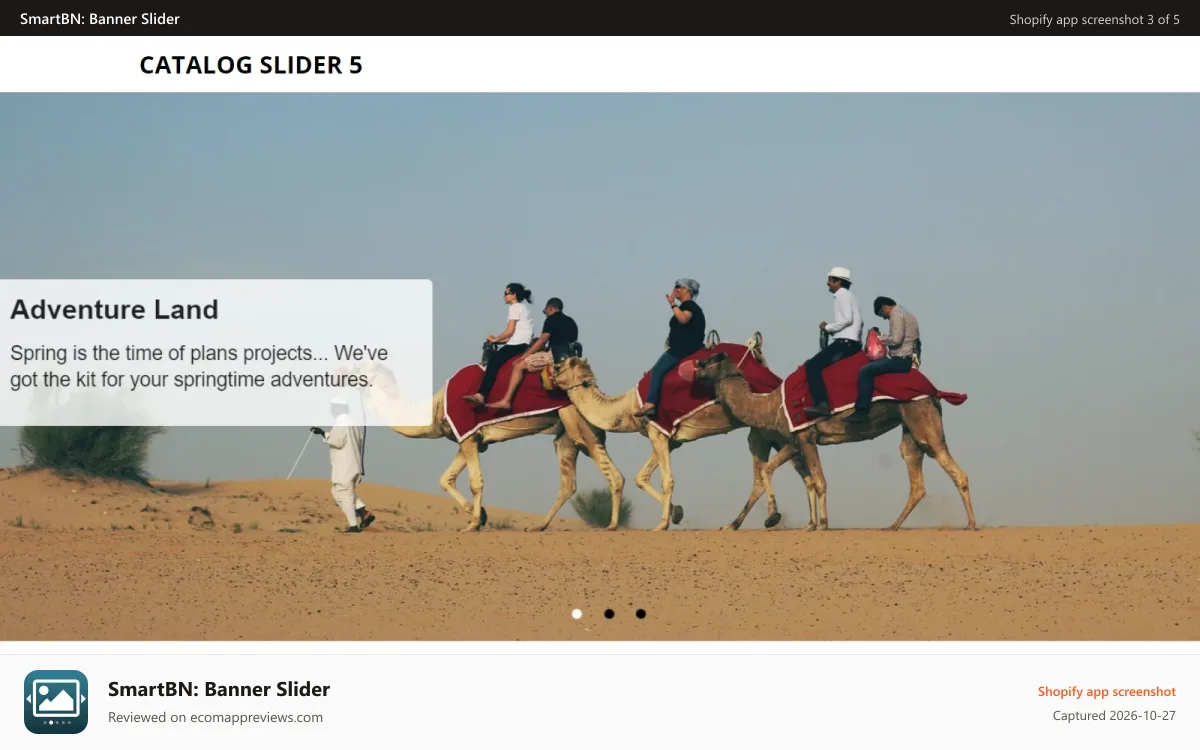
3 of 5: banner slider 
4 of 5: image gallery 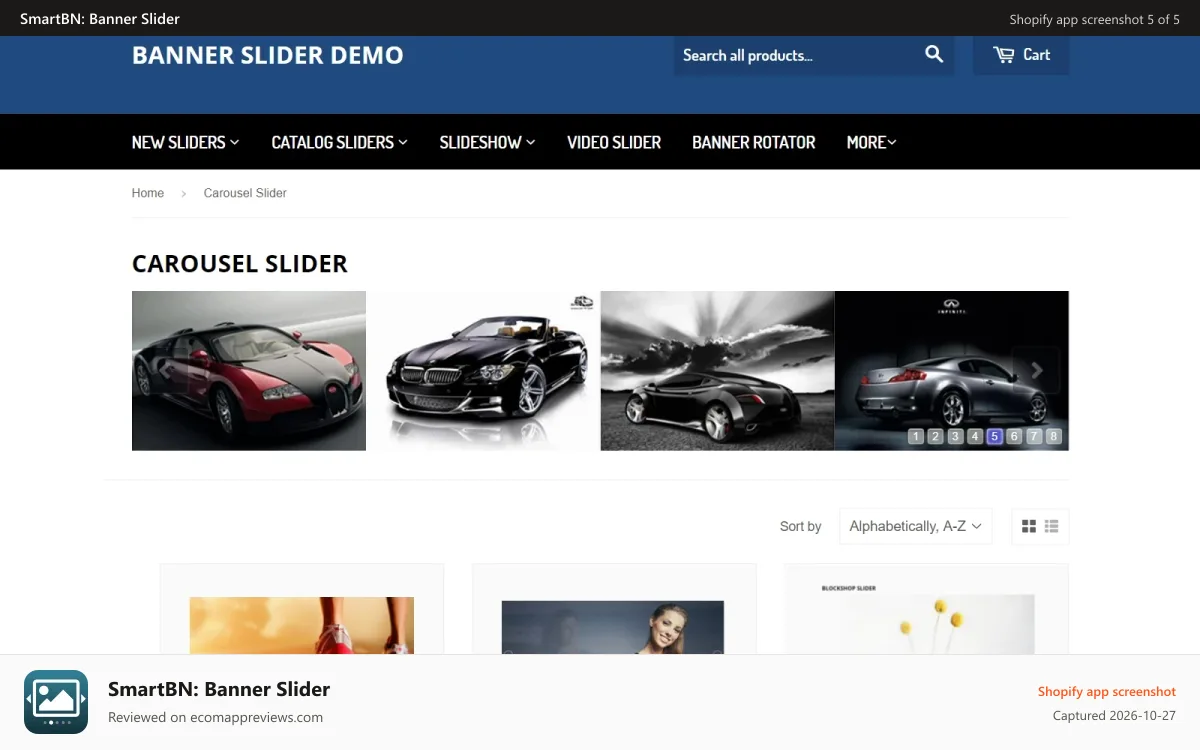
5 of 5: carousel slider
Features Shopify lists for this app
Feature handles from the listing, grouped as Shopify groups them.
Gallery types
- Carousel
- Lookbook
- Slider
Customization
- Custom styles
- Custom CSS
Data access
As disclosed on the listing. Never scored.
View customer data
Device and activity data
- Device and activity data: Geolocation, IP address, browser and operating system
View staff and contributor data
Store owner
- Store owner: Name, email address, phone number, physical address
View and edit store data
Orders, Online Store
- View orders: All order history for the last 60 days
- Edit Online Store: Theme, Online Store script tags
Developer
Smartify Apps
- Apps in the dataset:
- 2
- Address:
- SO 9, NGO 6,TO DAN PHO SO 3, PHUONG DONG NGAC, TP HA NOI, Hanoi, 100000, VN
- Support email domain:
- smartifyapps.com
- English support:
- yes
- Resources:
- Privacy policy, demo store
Similar apps
Shopify's own similar-apps list first, then apps in the same category that share the most feature handles.
Instafeed ‑ Instagram Feed
4.9(2,224) · listed as similar by Shopify
IFS: Instafeed Instagram Feed
4.9(393) · listed as similar by Shopify
Rubik Variant Images & Swatch
5.0(492) · listed as similar by Shopify
UR:Multi Image Slider|Carousel
No ratings yet · shares 67% of feature handles
Carousify: Banner Image Slider
5.0(4) · shares 57% of feature handles
AOD Before & After Widget
5.0(3) · shares 57% of feature handles
From the Shopify listingDeveloper claims, shown verbatim and collapsed. 82 words.Show
- Create, edit and remove sliders and banners easily.
- Preview sliders before deciding to show them on front-end.
- Embedded Code for each slider that you can insert into a liquid file or a page.
Create responsive image and video banner sliders to boost your store’s visuals.
Banner Slider is a fantastic app that allows you to upload, customize, and display a series of banners as sliders. We support a variety of sliders, including video sliders and Full-Width mode. Aside from that, you can create and preview multiple sliders, assign a link to each banner image, and save a lot of time with the bulk upload feature. Banner Slider works beautifully on all devices (Desktop, Tablet, Mobile).
Questions and comments
Questions people ask about SmartBN: Banner Slider, answered from what this page shows. Entries marked Site editor are written by the EcomAppReviews editor. Reader comments appear after a person has read and approved them, usually within a day. E-mail addresses are never published.
Last updated Oct 23, 2026. Ratings and review counts are the values shown on each app's public listing. How the numbers are computed: methodology.
50 reviews counted on the listing. Rating and count in the structured data are the values Shopify displayed when the listing was last refreshed.