

Shopify app
EstablishedBuilt for ShopifyUP Order Limits Quantity Break
Set minimum order quantity (MOQ), cart limits, checkout rules
- Rating on Shopify
- 4.9(90)
- Reviews
- 90
- Developer
- Uppush
- Launched
- September 12, 2025
- Pricing
- Free
- Languages
- English, Arabic, German, Spanish, French, Hebrew, Hindi, Italian, Japanese, Korean, Dutch, Portuguese (Brazil), Portuguese (Portugal), Russian, Chinese (Simplified), Chinese (Traditional)
The facts
Every value below is read from the listing or computed by the published formula. Nothing is a verdict.
Bayesian rating
4.75
category median 4.53
Reviews in the last 180 days
3
from the 3 reviews on the listing page
1 and 2 star share
2%
2 of 90
Starting price
Free plan
band: Free
Rating distribution
90 ratings on the listing at crawl time.
- 5 stars85(94%)
- 4 stars3(3%)
- 3 stars0(0%)
- 2 stars0(0%)
- 1 star2(2%)
Latest reviews
The 3 most recent of 3 on-page reviews, quoted to at most 25 words each. Full reviews are on the Shopify listing.
5 starsSep 12, 2026Blue MistUnited States8 months using the app
"Great app and excellent support! Leo was fantastic to work with and was very helpful throughout the process. I really appreciate that they are open ..."
5 starsAug 24, 2026Nordmarc ASNorwayAbout 1 hour using the app
"Proactive support and functionality seems to be working when running tests"
5 starsAug 15, 2026Procters HealthUnited Kingdom4 days using the app
"It's a great app with loads of potential. The best thing so far is that since we have a heavily customised theme, their app wasn't ..."
Screenshots
5 of 7 listing screenshots, composed as review cards. Captions are the developer's own.
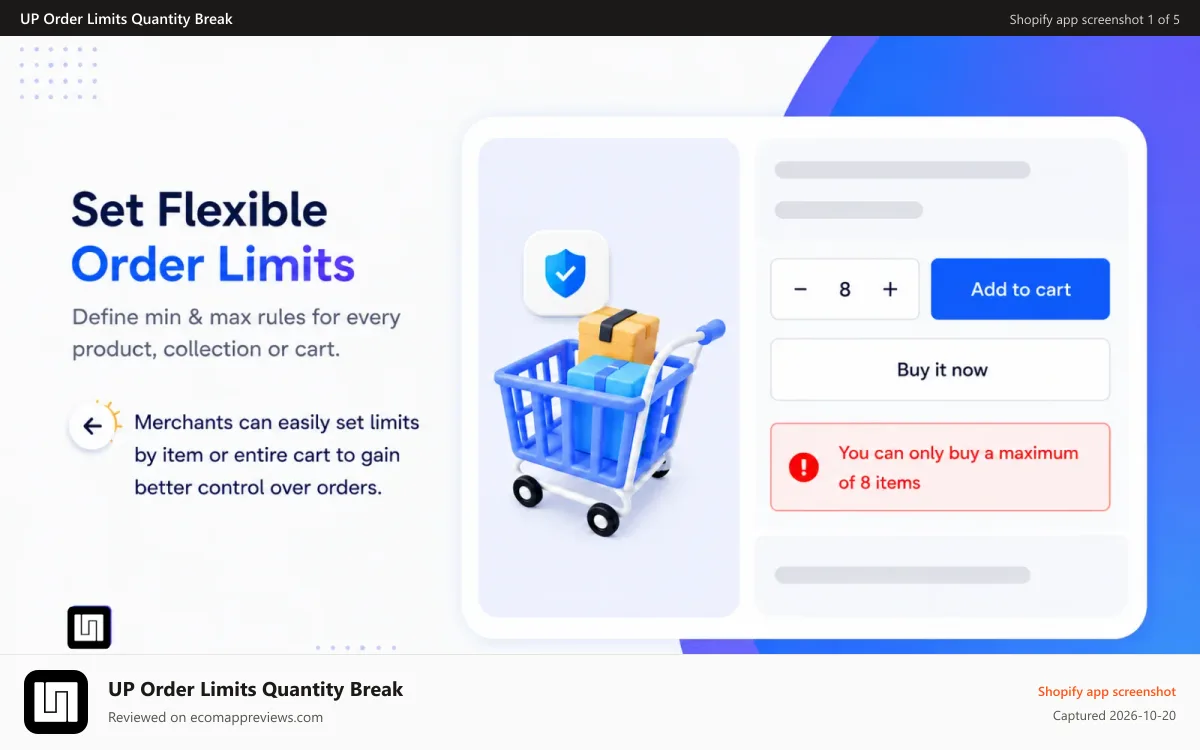
1 of 5: Set flexible order limits 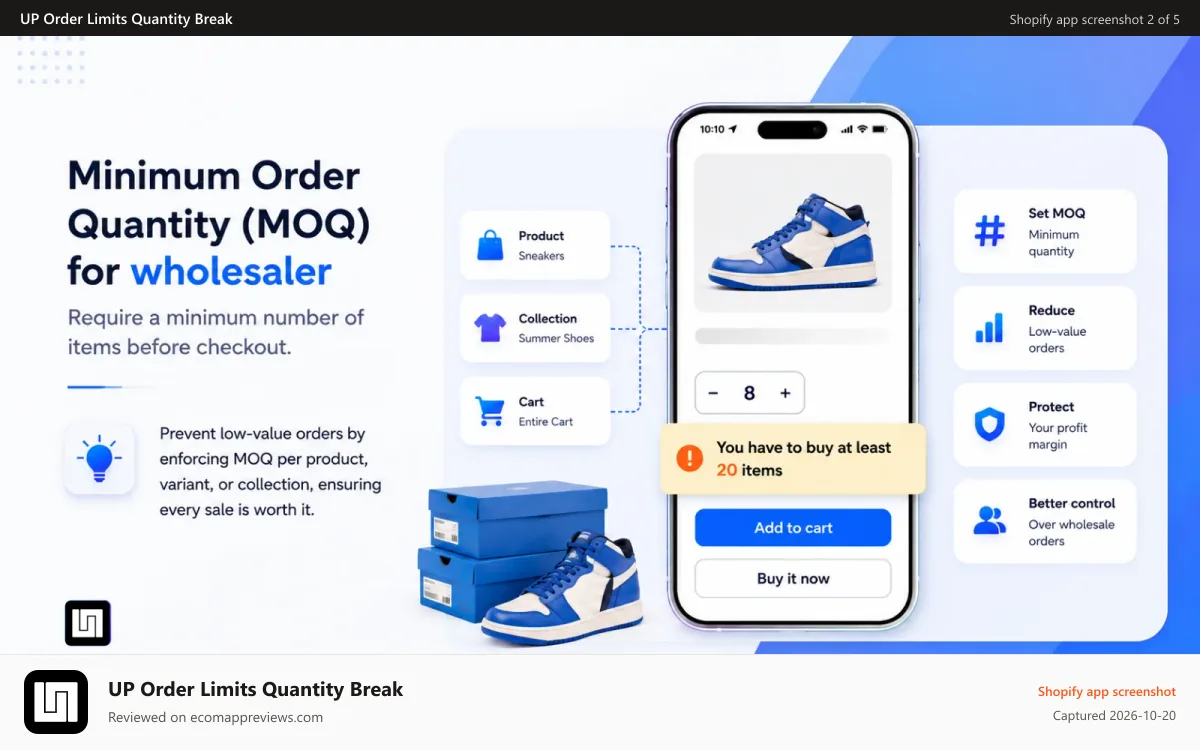
2 of 5: Minimum order quantity (MOQ) for wholesaler 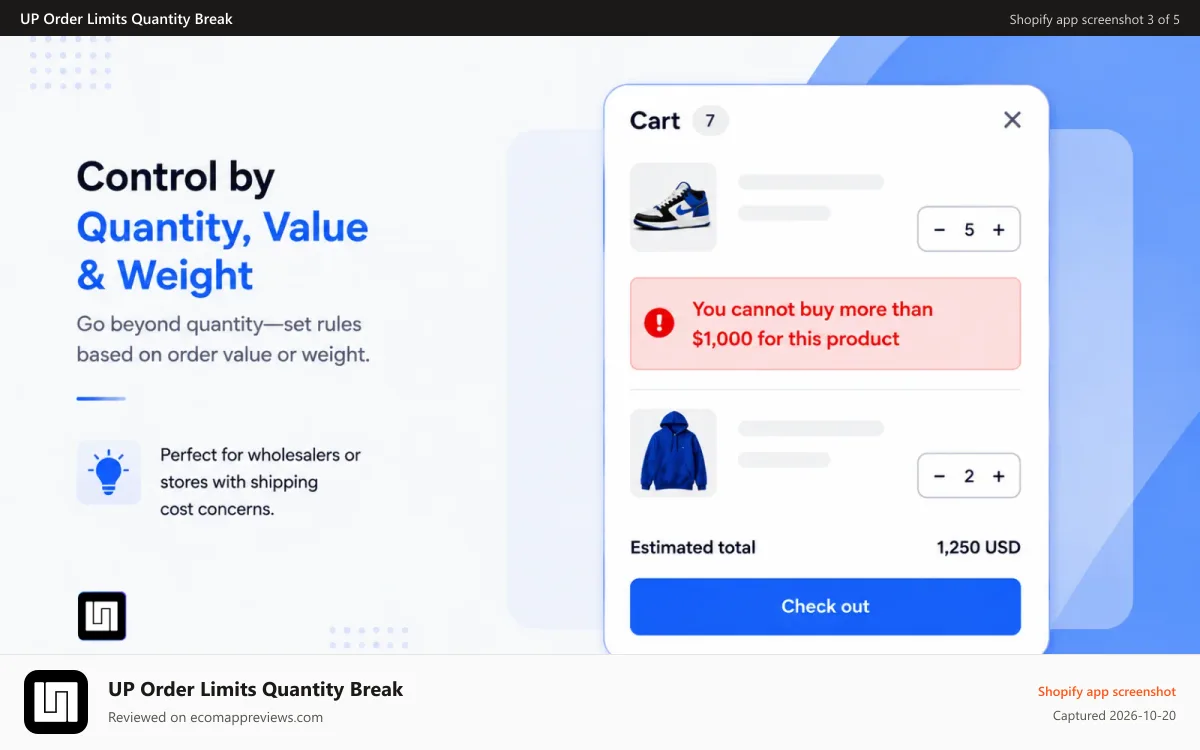
3 of 5: Control by quantity, value, weight 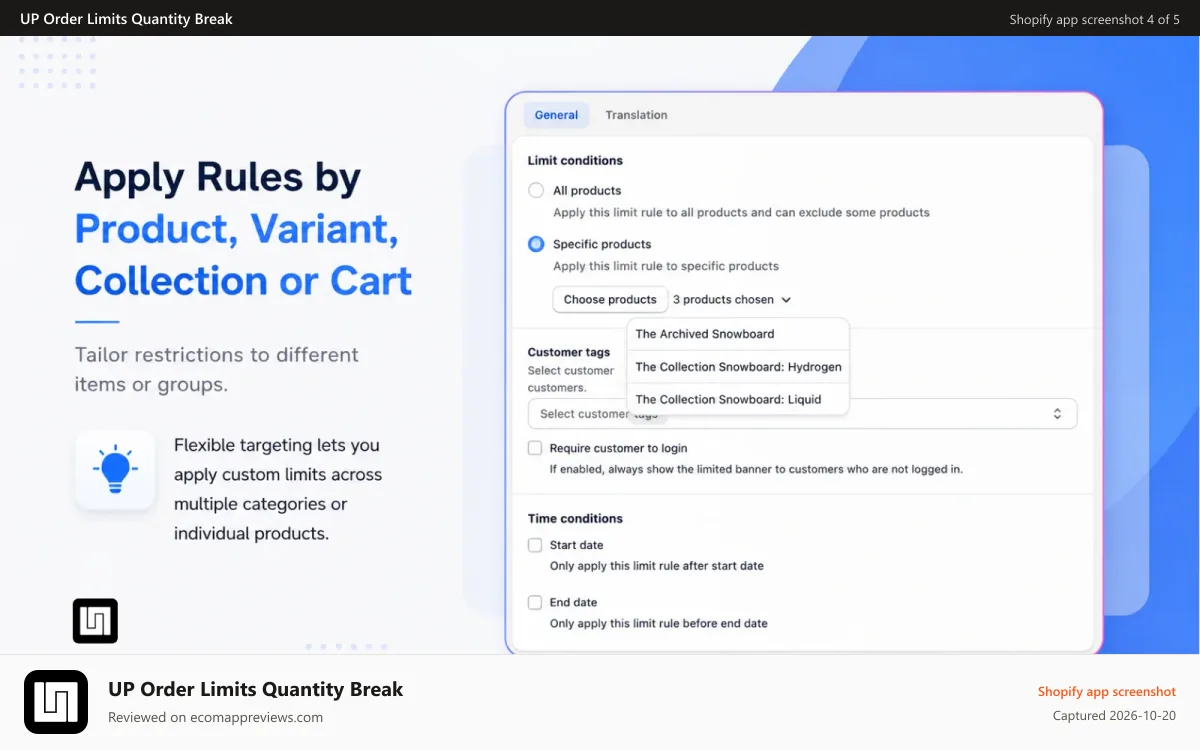
4 of 5: Apply rules by product, variant, collection or cart 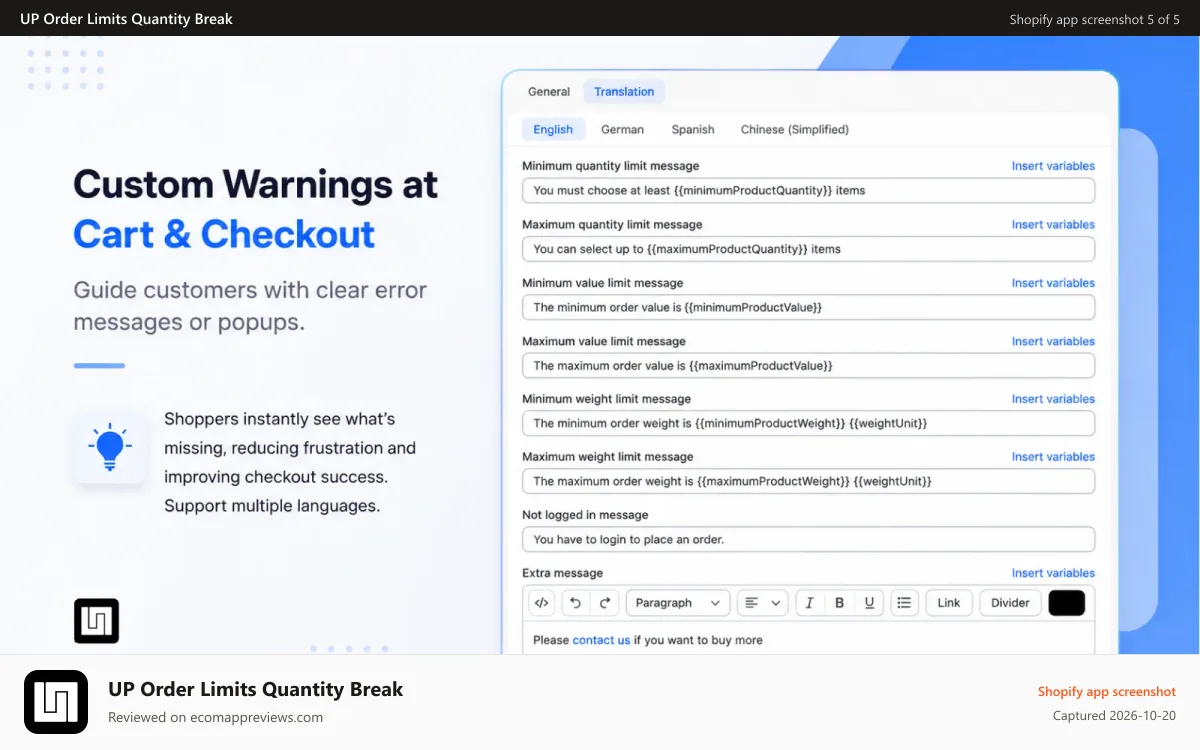
5 of 5: custom warnings at cart & checkout
Features Shopify lists for this app
Feature handles from the listing, grouped as Shopify groups them.
Limit rules
- Cart-based
- Max quantity
- Min quantity
- Time-based
- Weight-based
- Price-based
- Product-specific
- Variant-specific
- Collection-specific
- Purchase frequency
- Customer tags
- Geolocation
- Shipping methods
Notification settings
- Cart alerts
- Checkout alerts
- Product page alerts
- Pop-ups
- Custom branding
- Custom messages
- Multi-language
- Translation
Pricing options
- Customer groups
- Custom pricing
- Net terms
- Multi-currency
- Wholesale login
- Customer tagging
Order management
- Order minimums
- Order limits
- Product visibility
- Shipping options
- Multi-currency
Works with
Third-party integrations link to their hub when 5 or more apps name them. Shopify's own surfaces are listed separately and never counted as integrations.
- Checkout rules
Shopify surfaces: Checkout, Shopify Admin
Data access
As disclosed on the listing. Never scored.
View customer data
Device and activity data
- Device and activity data: Geolocation, IP address, browser and operating system
View staff and contributor data
Store owner
- Store owner: Name, email address, phone number, physical address
View and edit store data
Customers, products, orders, Shopify Functions, Online Store, other data
- Edit customers: Customer data
- Edit products: Products, collections
- View orders: All order history
- Edit Shopify Functions: Cart and checkout validations
- Edit Online Store: Theme
- Edit other data: Locales, publications of products on sales channels
Developer
Uppush
- Apps in the dataset:
- 2
- Address:
- Hoang Liet, Hoang Mai, Ha Noi, 100000, VN
- Website:
- docs.order-limit.uppush.io
- Support email domain:
- uppush.io
- English support:
- yes
- Resources:
- Privacy policy, FAQ, Tutorial, App Documentation
Similar apps
Shopify's own similar-apps list first, then apps in the same category that share the most feature handles.
Melon Minimum Order Quantity
5.0(390) · listed as similar by Shopify
Madgic Order Limits Quantity
4.9(180) · listed as similar by Shopify
Avada Order Limits Quantity
5.0(277) · listed as similar by Shopify
MinCart ‑ Order limits
4.9(69) · shares 55% of feature handles
Yuko Minimum Order Quantity
4.9(189) · shares 53% of feature handles
Cart Block: checkout validator
4.6(24) · shares 50% of feature handles
From the Shopify listingDeveloper claims, shown verbatim and collapsed. 79 words.Show
- Set order limit based on product quantity, total value or weight
- Set MOQ limit quantity break for product, variant or collection
- Set limit for wholesaler with customer tags, allow to contact for quotation
- Set limits based on each customer's purchase frequency. Integrate checkout rules
- Allow to custom error messaging for order limit rule, support multiple languages
Set Order Limits, Quantity Breaks on product, collection, cart, customer tag and checkout rules
Easily create minimum and maximum order limits, quantity breaks for products, variants, collections, or entire carts. Control purchases by quantity, value, or weight with fully customizable rules. Show clear alerts on cart or checkout, Prevent fraud or bulk purchases, and streamline your store operations. No coding required – quick setup, theme-friendly, and optimized for sales and inventory management. 24/7 support until compatible with your store.
Questions and comments
Questions people ask about UP Order Limits Quantity Break, answered from what this page shows. Entries marked Site editor are written by the EcomAppReviews editor. Reader comments appear after a person has read and approved them, usually within a day. E-mail addresses are never published.
Data as of Oct 20, 2026, from the public Shopify App Store listing. How the numbers are computed: methodology.
90 reviews counted on the listing. Rating and count in the structured data are the values Shopify displayed at crawl time.